
ASA Server Manager
Everything you need to get started, change settings and find help with ASA Server Manager.
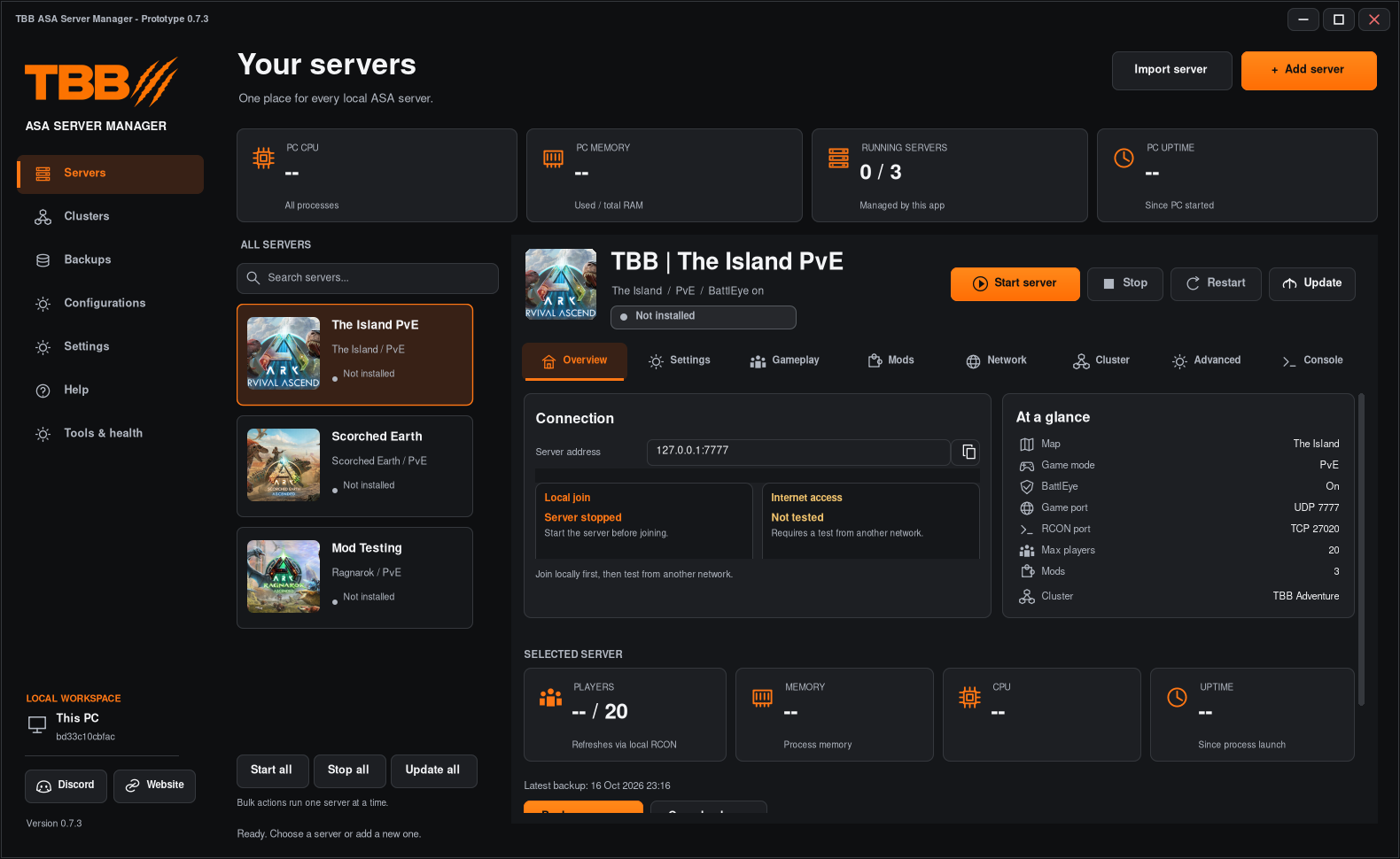
Getting started
Configuration
Public access and port forwarding
Find the selected server’s ports, allow its game traffic through Windows Firewall and test reachability from outside your network.
Server settings and gameplay
Set the map, session name, access options and gameplay rates, including very small decimal values.
Add mods and reuse bundles
Add mods by project ID, look up names and icons, arrange load order and apply saved bundles to another server.
Clusters and transfer folders
Create a cluster, assign servers and understand why a transfer folder alone cannot identify every member.
Save, assign and restore configurations
Create reusable Saved Configs, assign them to several servers, export INIs and restore previous configuration versions.
Advanced INI and launch configuration
Review generated commands, apply managed INI settings, import existing values and export a launch script.
Features
Troubleshooting
A hand with ASA Server Manager?
Find the right guide or send me the details.